http://www.philipk.net/tutorials/materials/materials.html
METAL
As with all materials, there are a lot of different types of metal. In this tutorial I go through howto create a pretty standard matte metal wall with a sci-fi touch and I tried to make it something inbetween clean and worn.
ROUGH AND COARSE STONE
Stone cliffs and rocks usually have a lot of direction of some type in them. In this tutorial I go through how I go about sculpting such a material in Zbrush and the process from there.
This tutorial will guide you through the creation of a rough stone surface, this could be combined with something more similar to the cliff wall tutorial above to create various types of rock surfaces.

Cracked stones can look very different depending on what materials is underneath the surface, what type of damage has been done and how long ago the damage was made. Here I go through some steps to create a broken up ground piece. Ingame something like this could be masked out and used as a decal as well.

SMOOTH AND SEMI SMOOTH STONE
Marble can be another tricky surface to create. Here I created a clean polished marble surface that is highly reflective. It is all about subtle details on these kind of clean materials, especially when it comes to the normal map.
Clean concrete blocks are usually pretty smooth, but there are details and small subtle variations is such surfaces that you can really play around with. In this tutorial I go through some steps you can do using Photoshop only.

BRICKS AND BLOCKS
Older or larger tiles may benefit from being sculpted in a program like Zbrush first. Here I go through some steps to sculpt such pieces and how much you can build with just a couple of sculpted stones if placed right.
Sometimes it is not really necessary to sculpt your stones. Especially when it comes to smaller brick walls. In this tutorial I go through some steps to give your brick wall more depth than a simple photo texture would work if generated into a normal map.

EDIT: Previous tutorials by PhilipK, excellent stuff!:
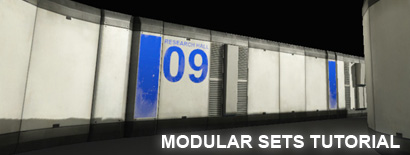
PHILIPK.NET - WORKING WITH MODULAR SETS
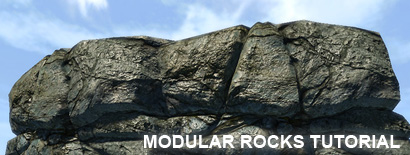
PHILIPK.NET - WORKING WITH MODULAR ROCKS
